Install FluentAI and pin the extension
Install FluentAI, then pin it so it is ready whenever you open a video.
Everything you can do with FluentAI, organized by what you want to accomplish.
Explore all toolsGet started
Install FluentAI, then pin it so it is ready whenever you open a video.
Open a captioned video on YouTube, Netflix, Prime Video, Disney+, or HBO Max.
While watching
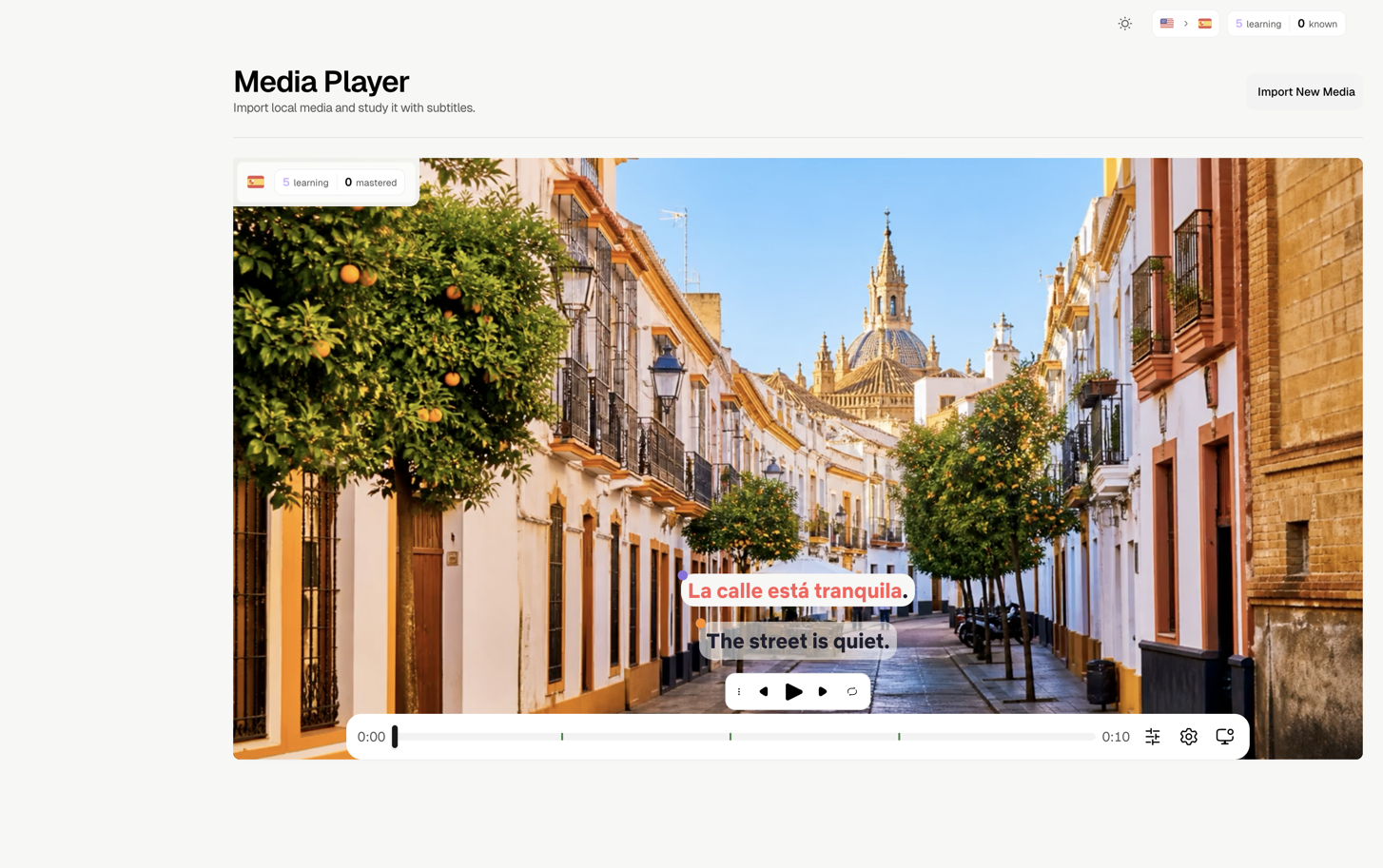
Show Spanish and English together while you watch.
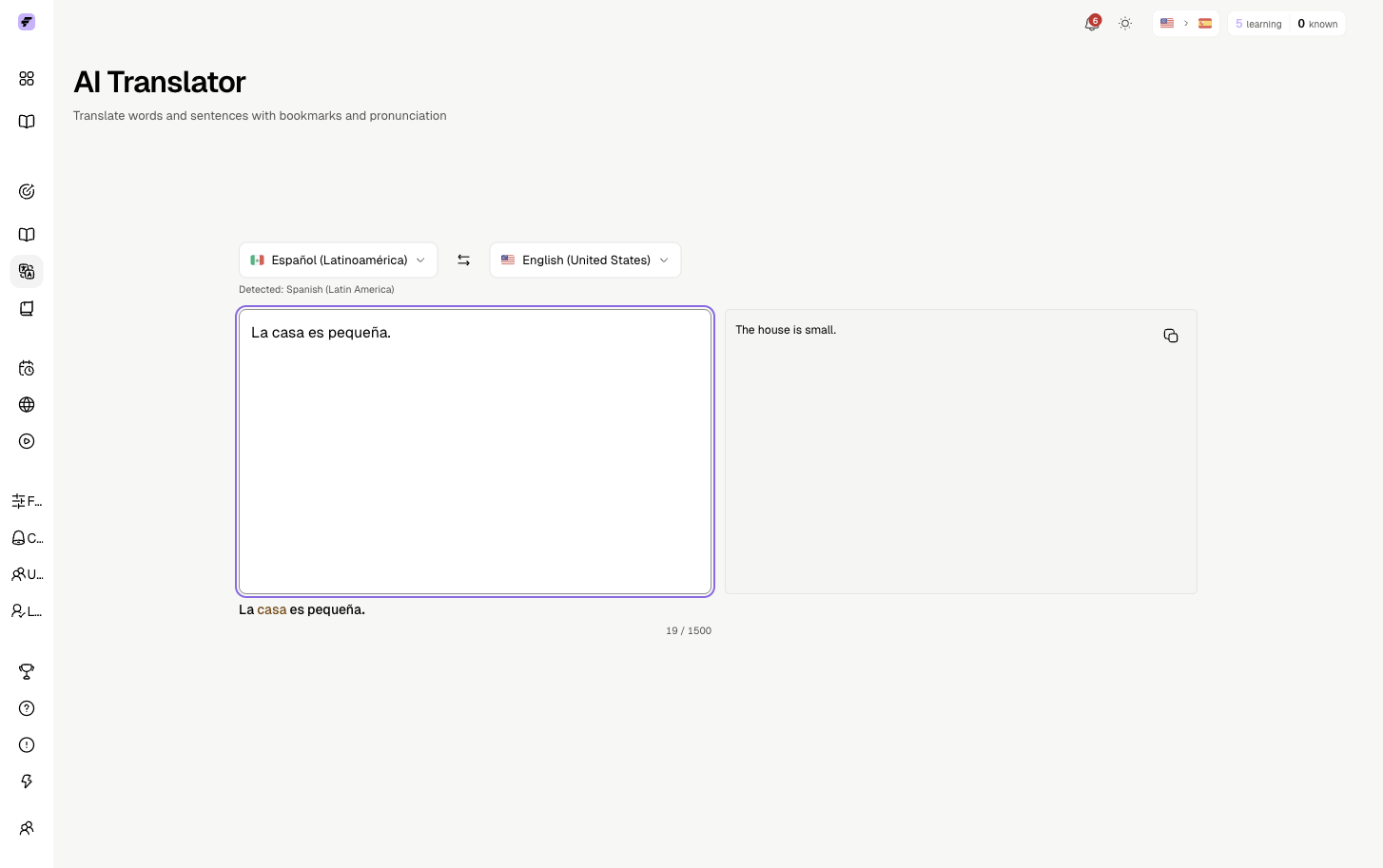
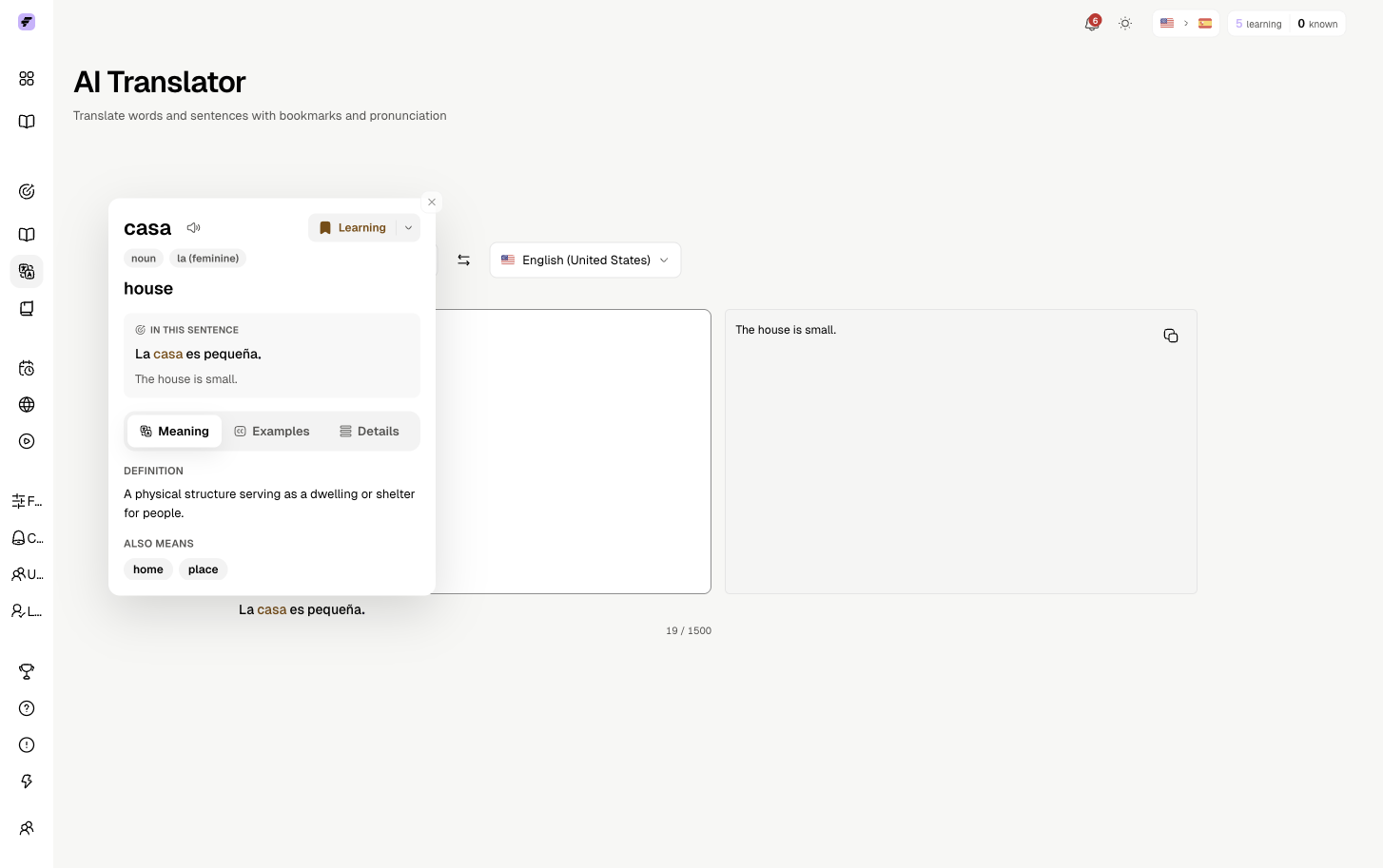
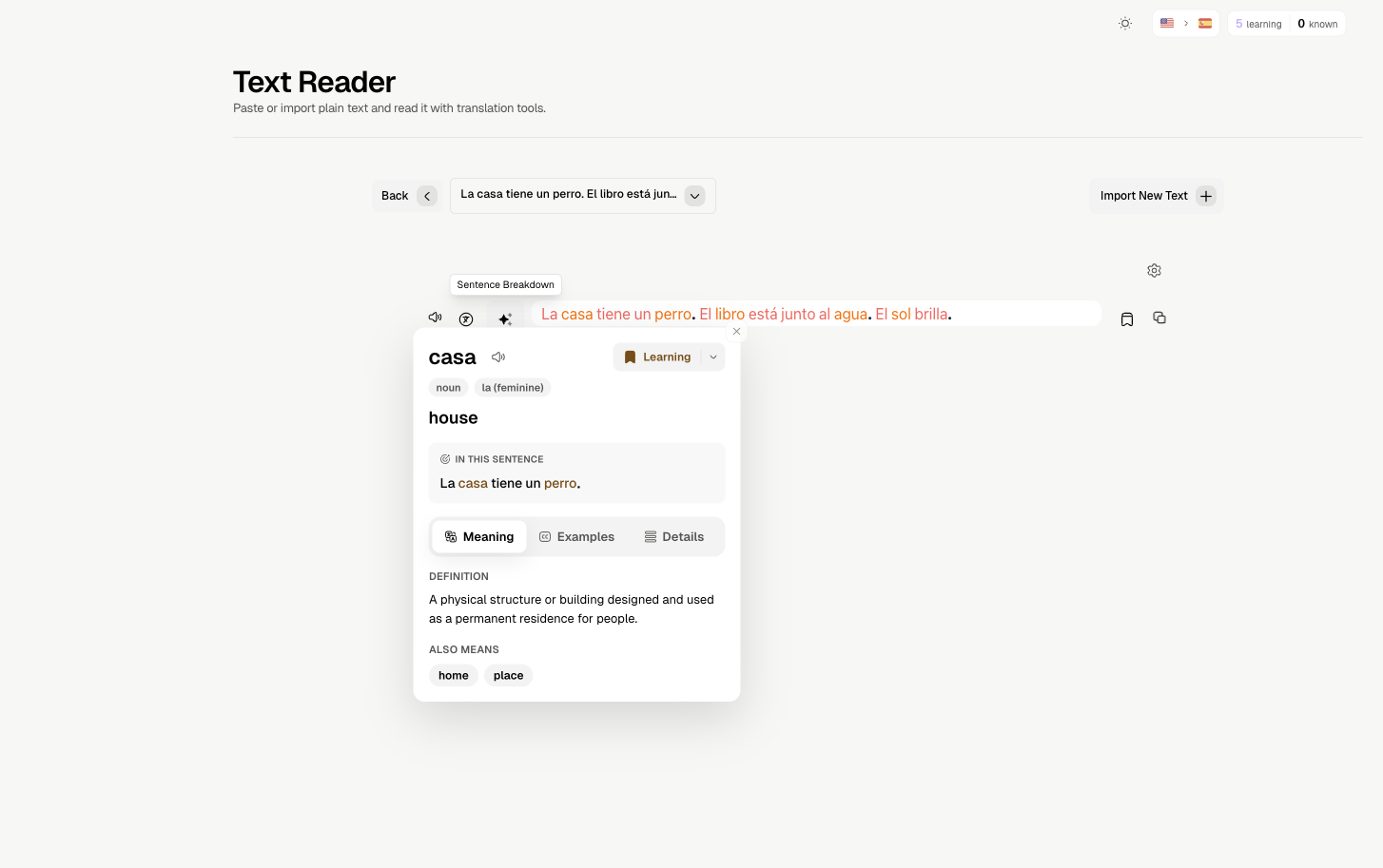
Click a subtitle word for its translation and scene context.
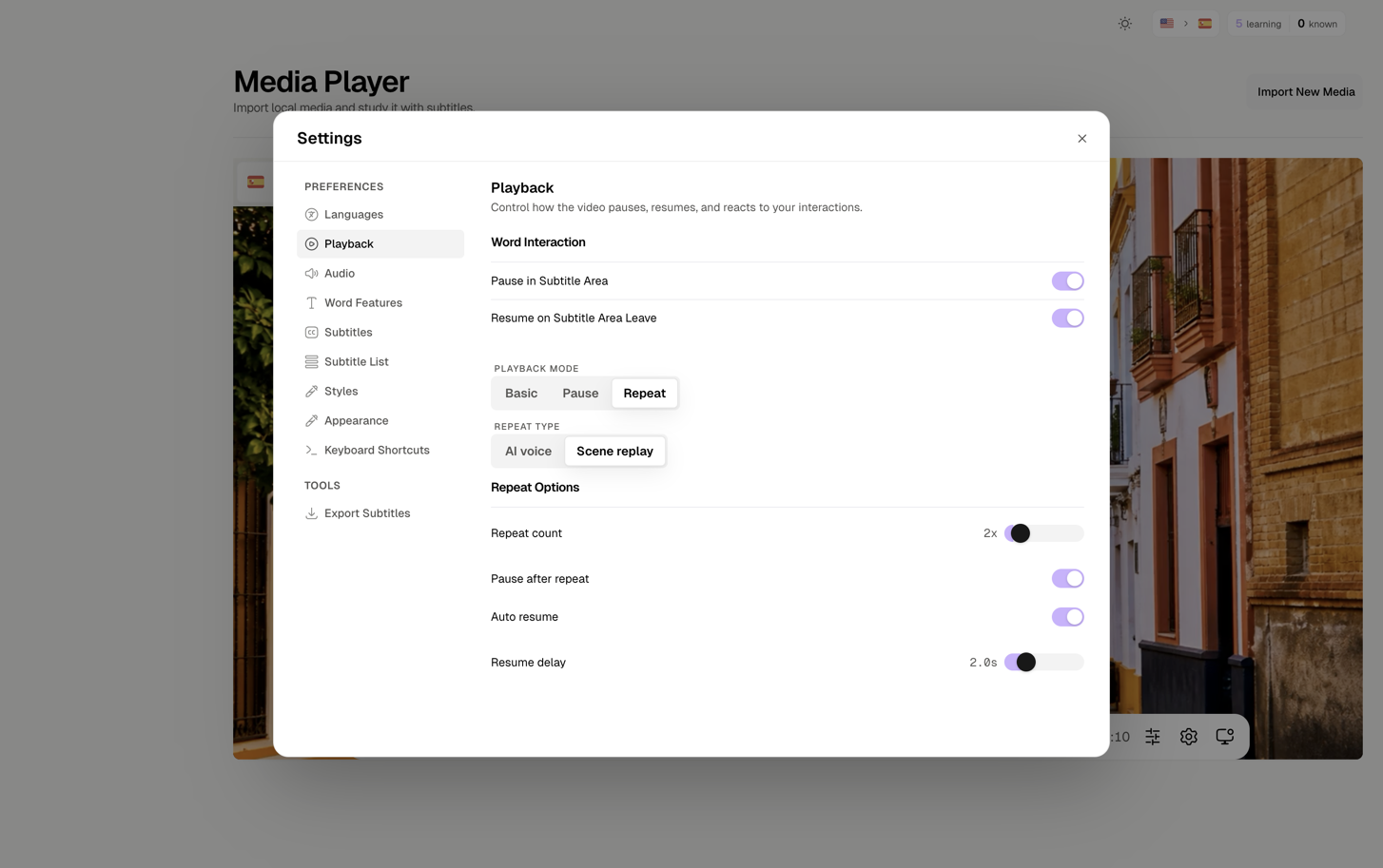
Playback modes
Loop one short subtitle line until it feels natural.
Notebook & lists
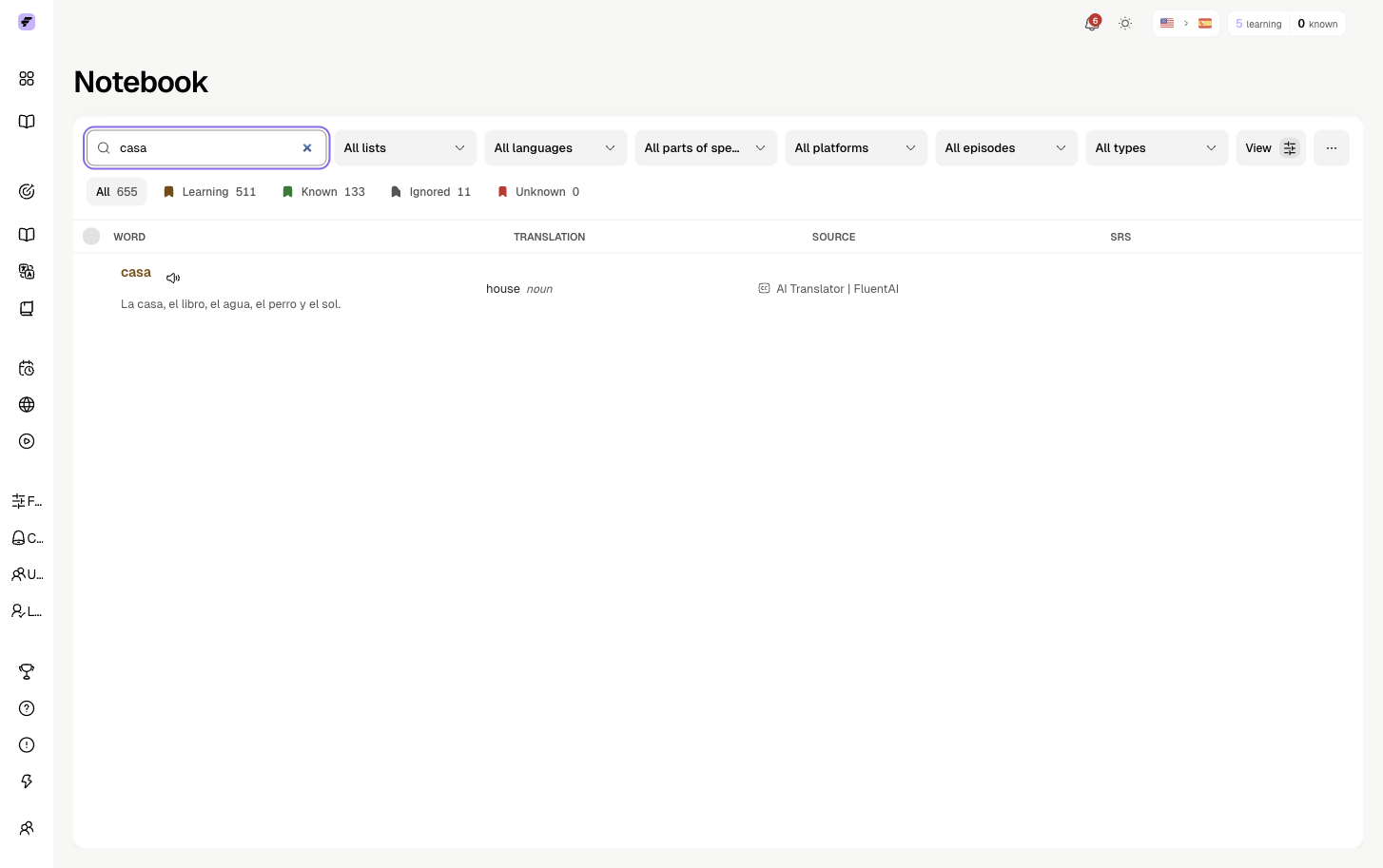
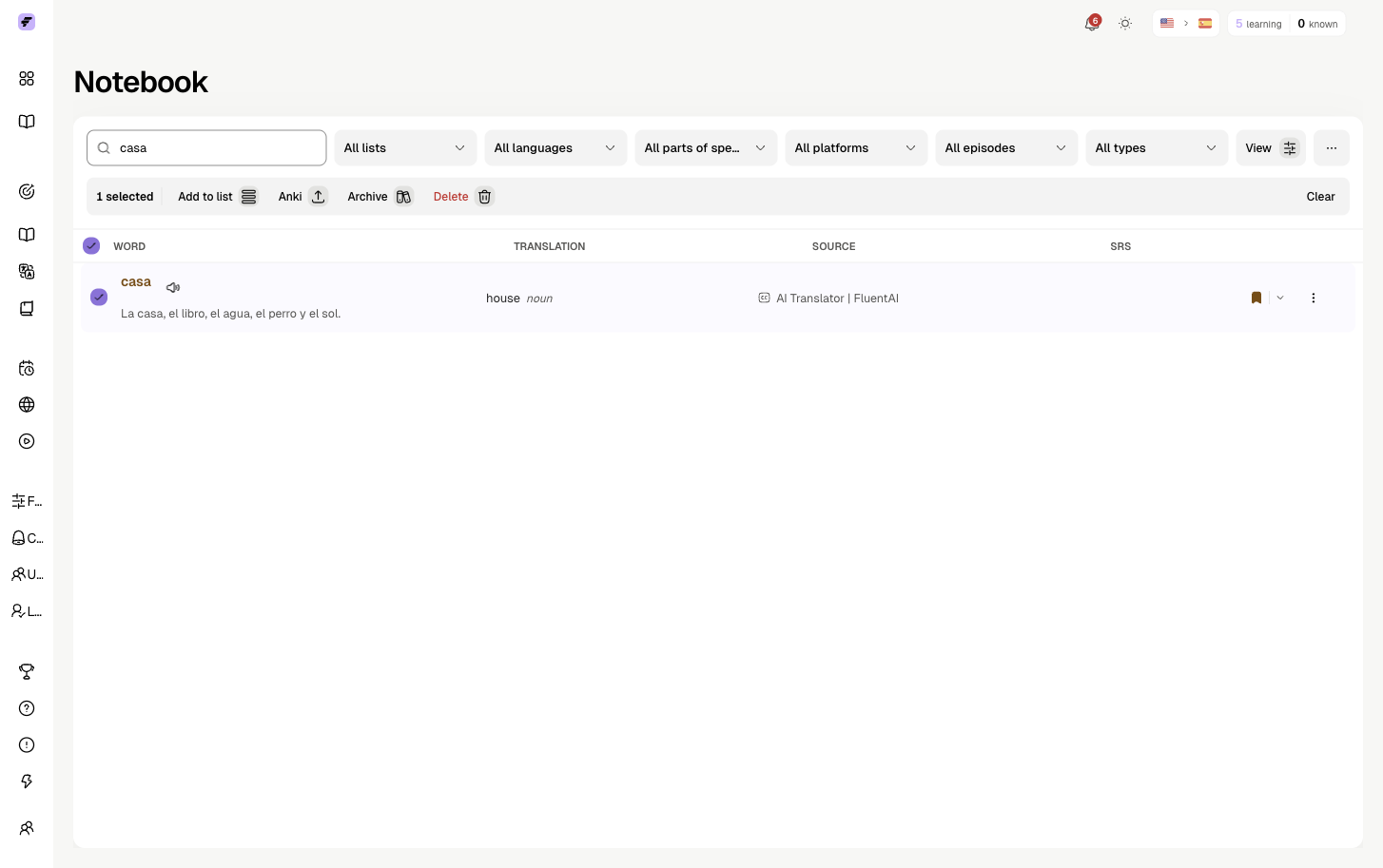
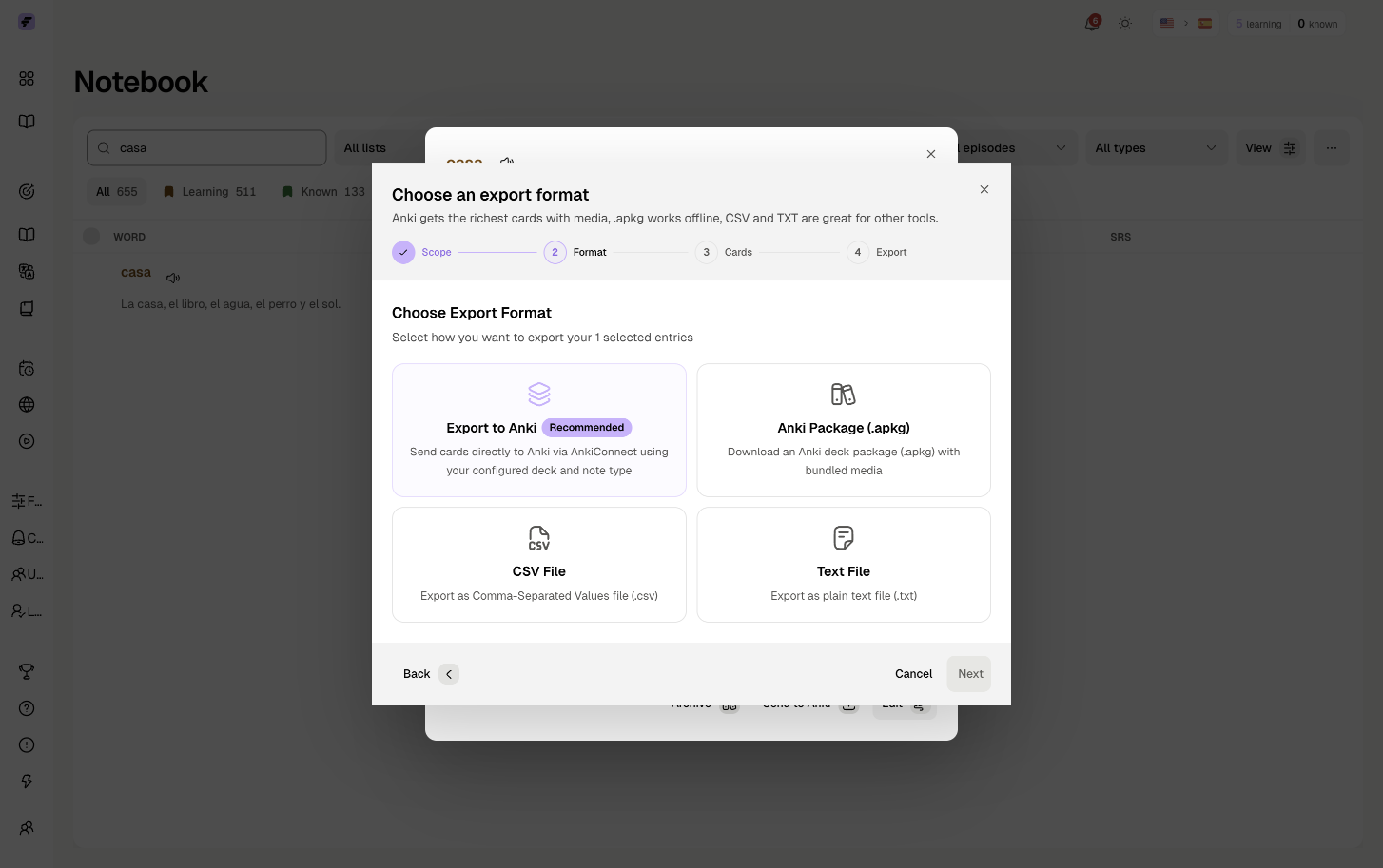
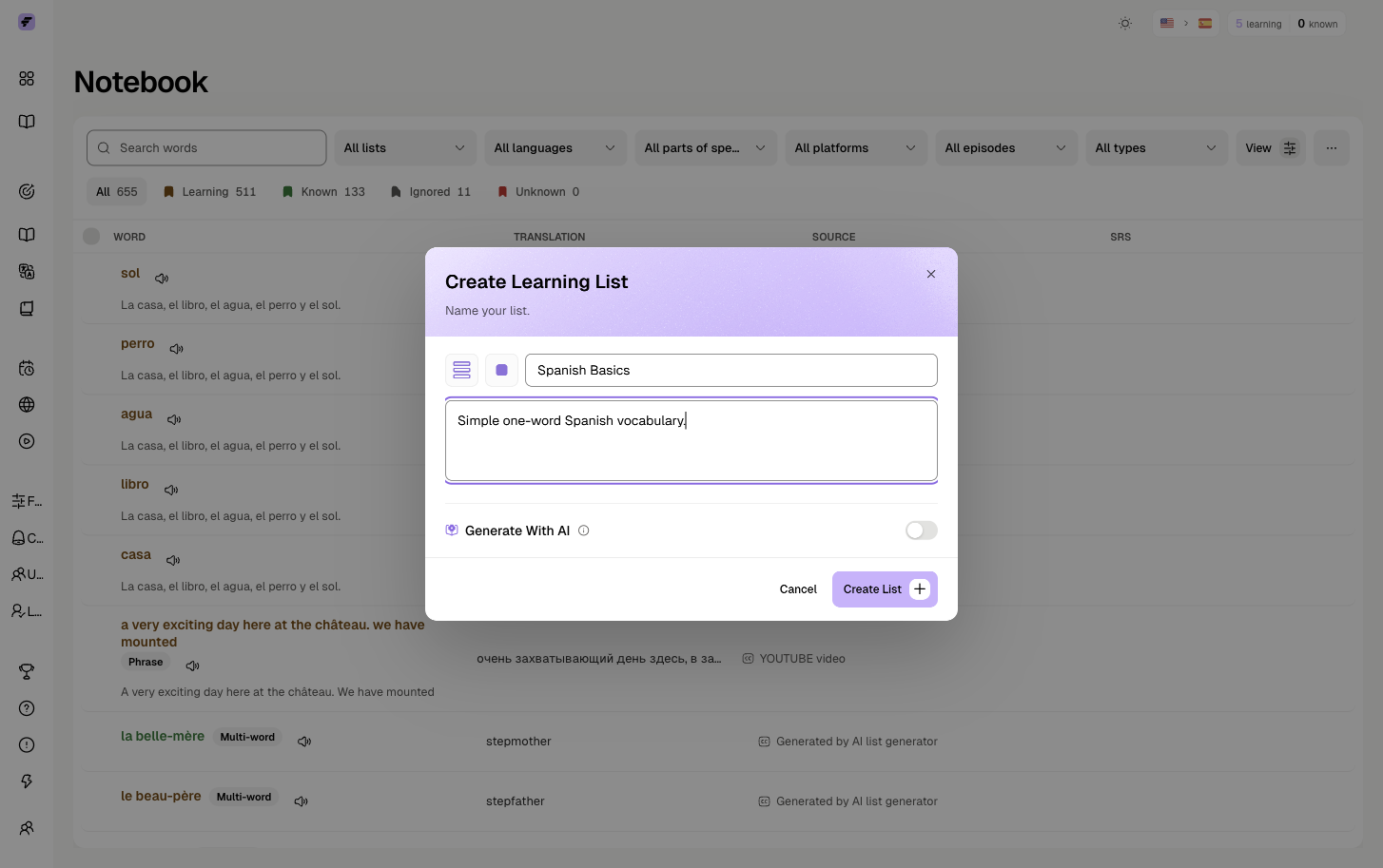
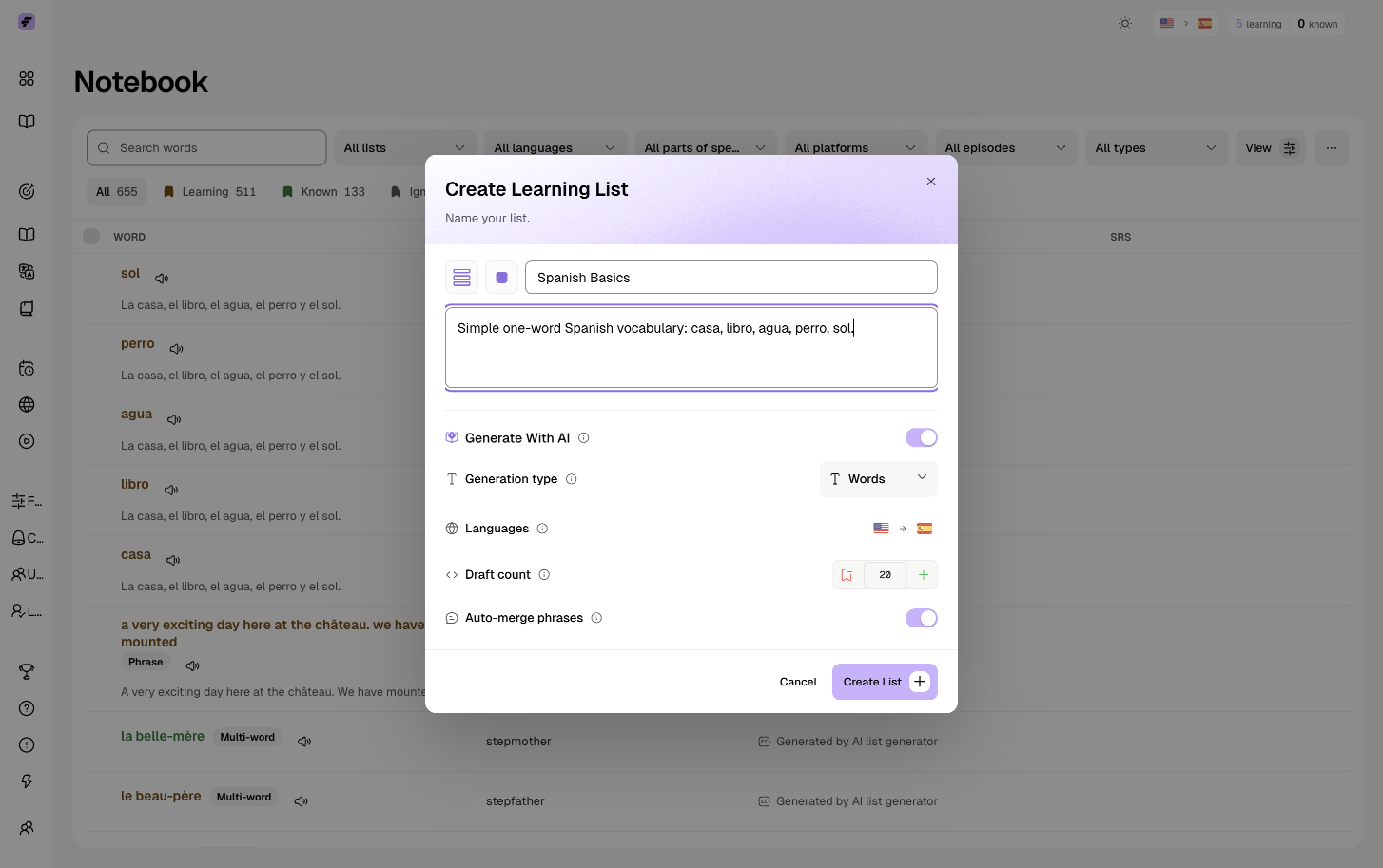
Save 5 to 10 useful words or short phrases from each session. Keeping the source scene attached makes review feel like remembering a moment from the show instead of memorizing an isolated list.
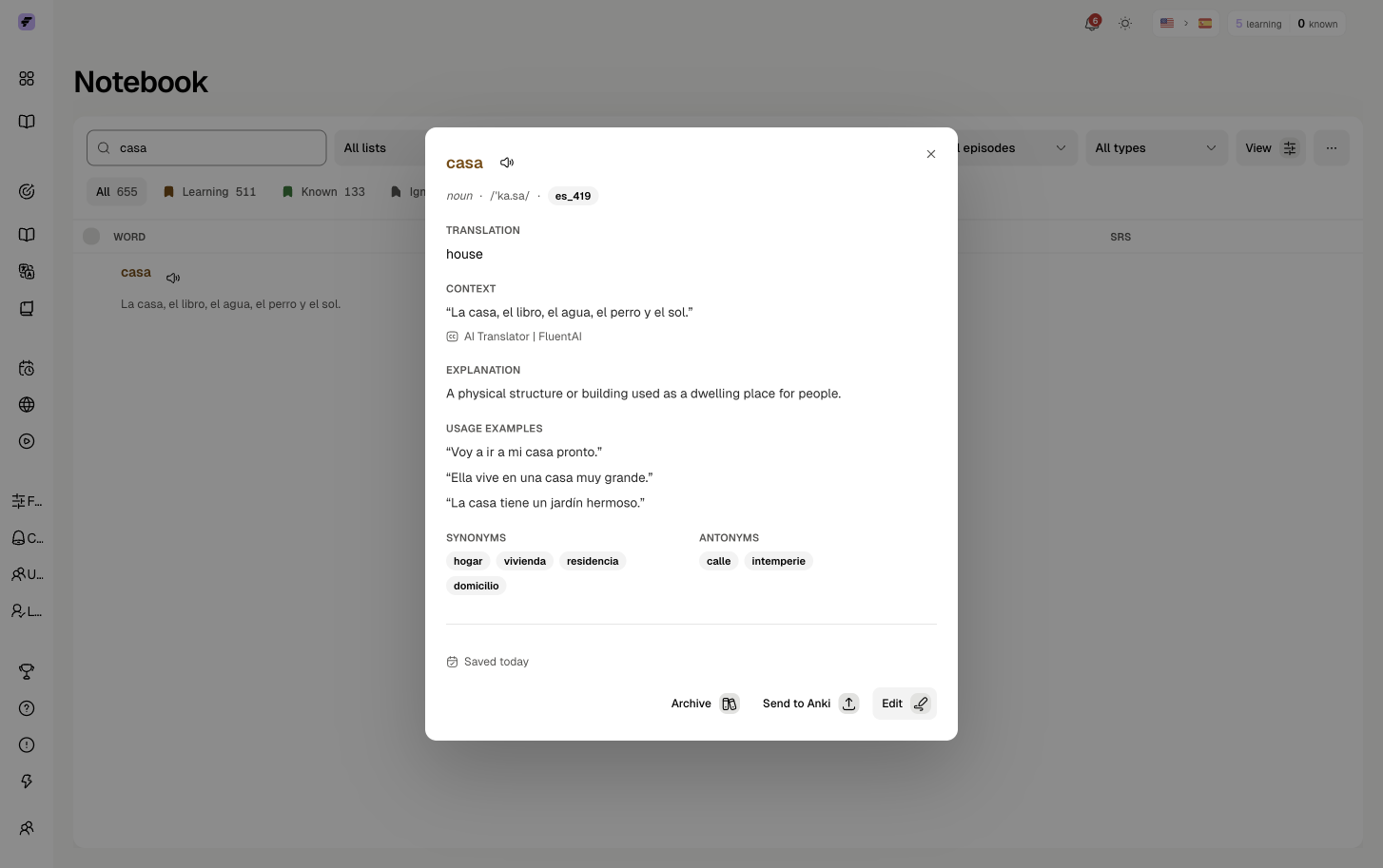
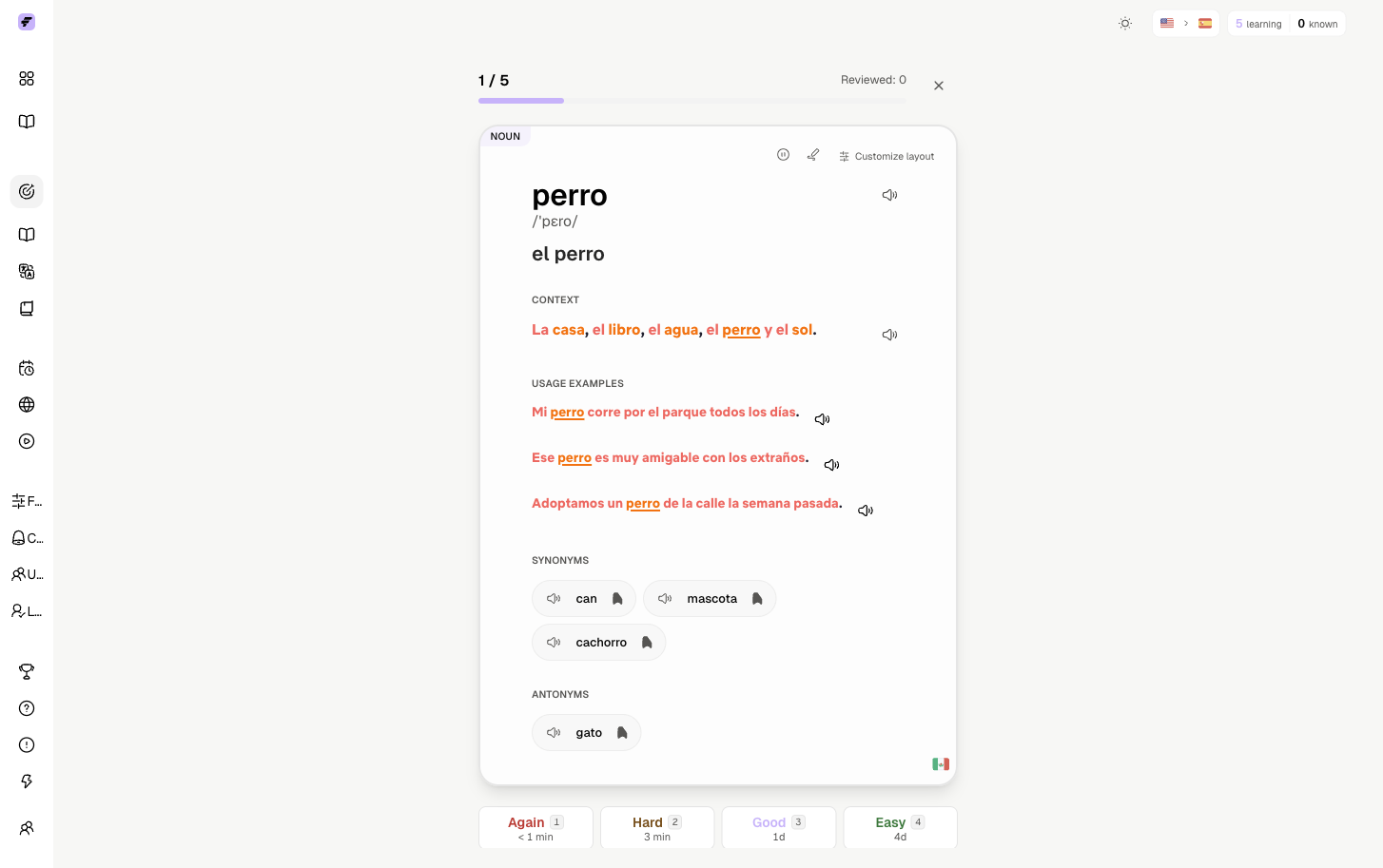
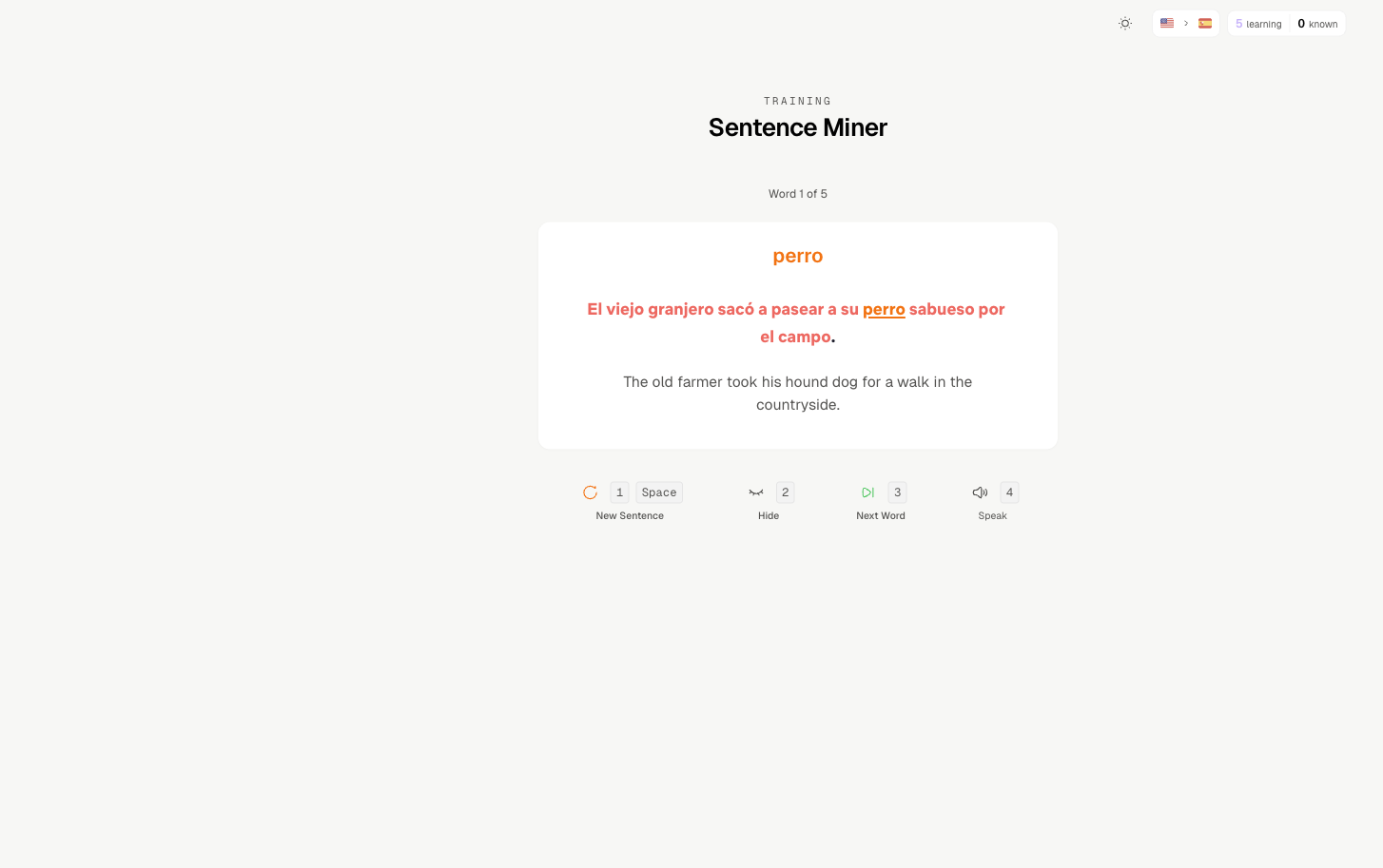
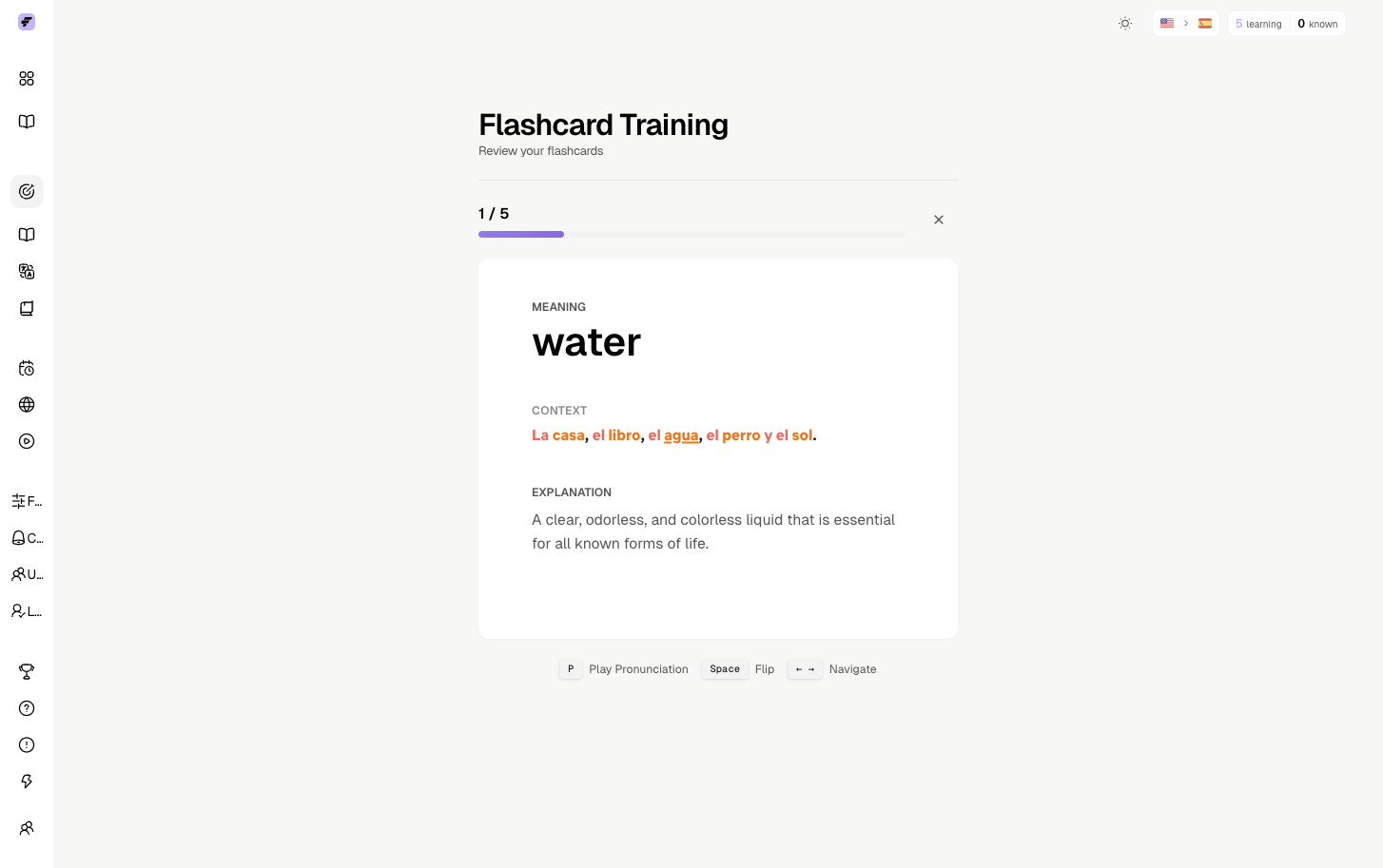
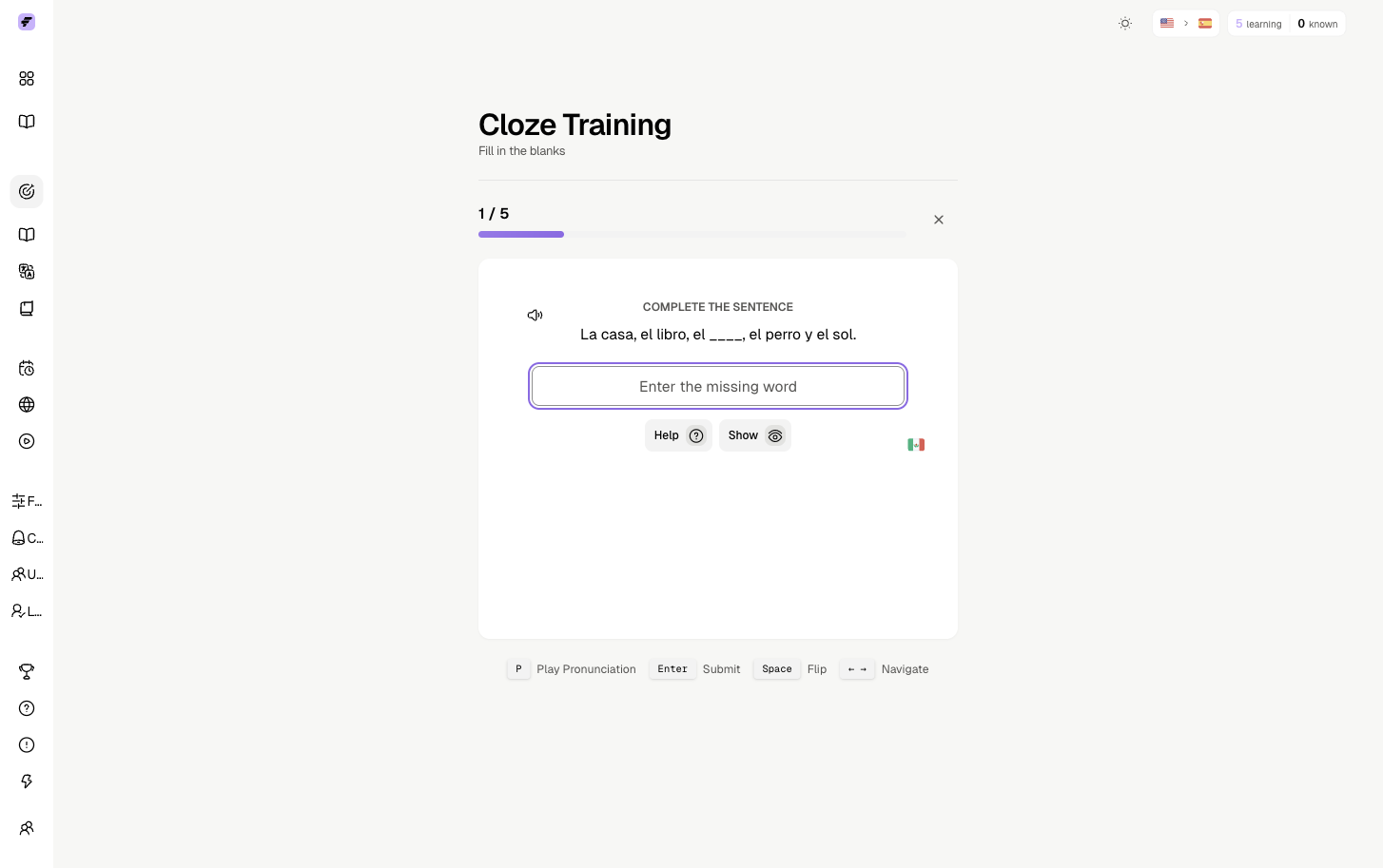
After watching, open your saved vocabulary and review the words that came from the scene. Short review sessions after real video keep the learning loop tight: watch, understand, save, review, then return to another scene.
Troubleshooting
If FluentAI does not show the subtitles you expect, check whether the streaming service has a matching subtitle or caption track enabled. Some titles have translated subtitles, some have captions, and some require a different title or fallback workflow.
All tools
Install the extension and open any subtitled video.
Install the extension →